Showing posts with label Mac Utilities. Show all posts
AnyTrans for iOS 8.9.2 (20211027)

AnyTrans for iOS 8.9.2 (20211027)


AnyTrans for iOS 8.9.2 (20211027)

AnyTrans is the iPhone manager that breaks the sync boundary and consolidates every access to all your content in one place, including music, videos, photos, messages, books, Safari history, voice memo, etc.

Features
  • Flash-Sync Makes the fastest data transfer in market – By largely improving the data loading and transferring speed, AnyTrans gives you lightning-fast experience.
  • Two-way Transfer between iOS devices, iTunes, iCloud and computer – Whether you want to transfer contacts from iPhone to Mac, messages from old iPhone to new iPhone 7, music and playlists from iPhone back to iTunes library, or videos from PC to iPad, AnyTrans gets anything transferred freely between your iPhone, iPad, iPod touch, iTunes, iCloud and computer.
  • Easily manage all your contents on iPhone, iPad, and iPod touch – Browse, edit and export important contacts, messages, notes, and more personal data from iPhone; well organize your photos and music in iPhone and iPad by building up your own collections and playlists – you get full control over all your iOS data and files with ultra ease.
  • Migrate everything to your new iPhone 7 within one click clone – Upon just one simple click, everything from your old iPhone, even from iPad – will be cloned to your new iPhone 7. The game-level you just conquered, the photos you took yesterday, the note you plan for shopping and the music you favors will all be there waiting for you.
  • Navigate your iTunes and iCloud backup contents with even more ease – Instead of making a guess on whether your iTunes/iCloud backup contains the notes, messages, contacts, voice memos, or Safari bookmarks you need, AnyTrans lets you peek right into your backups, and grab any piece of data you need freely without a full restore.

What’s New

Version 8.9.2:

  • Release notes were unavailable when this listing was updated.


Compatibility

OS X 10.9 or later, 64-bit processor


Screenshots
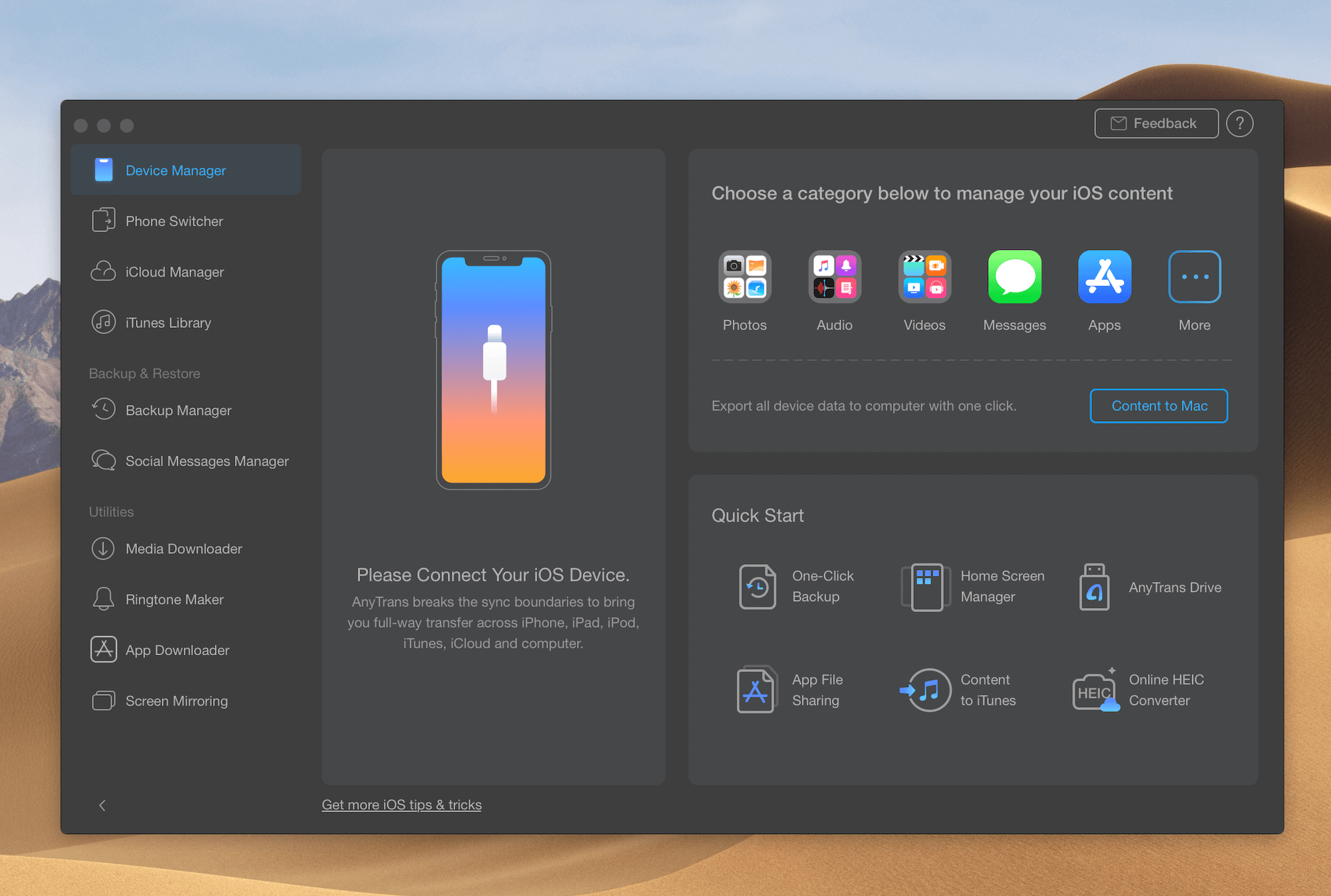

ANyTrans


CleanMyMac X


CleanMyMac X makes space for the things you love. Sporting a range of ingenious new features, CleanMyMac lets you safely and intelligently scan and clean your entire system, delete large, unused files, reduce the size of your iPhoto library, uninstall unneeded apps or fix the ones that started to work improperly, manage all your extensions from one place and do much more – all from one newly designed and beautifully simple interface.

Features
  • Easy to use, user-friendly interface
  • Drag and drop nature
  • Slims universal binaries
  • Removes useless language translations
  • Most accurate application uninstallation
  • Quick and Secure file eraser
  • Manages widgets, plugins and preference panes
  • Erases garbage left from previously removed applications and widgets
  • Monitors your Trash helping you to uninstall trashed applications correctly
  • Keeps an eye on your removable devices to clean them up from junk service files

What’s New

Version 4.8.9:

  • Release notes were unavailable when this listing was updated.


Compatibility

macOS 10.10 or later, 64-bit processor
Support M1 Apple silicon.


Screenshots


CleanMyMac 3.9.0 Beta 3 – Delete files that waste your disk space

CleanMyMac 3.9.0 Beta 3 – Delete files that waste your disk space

 CleanMyMac 3.8.6
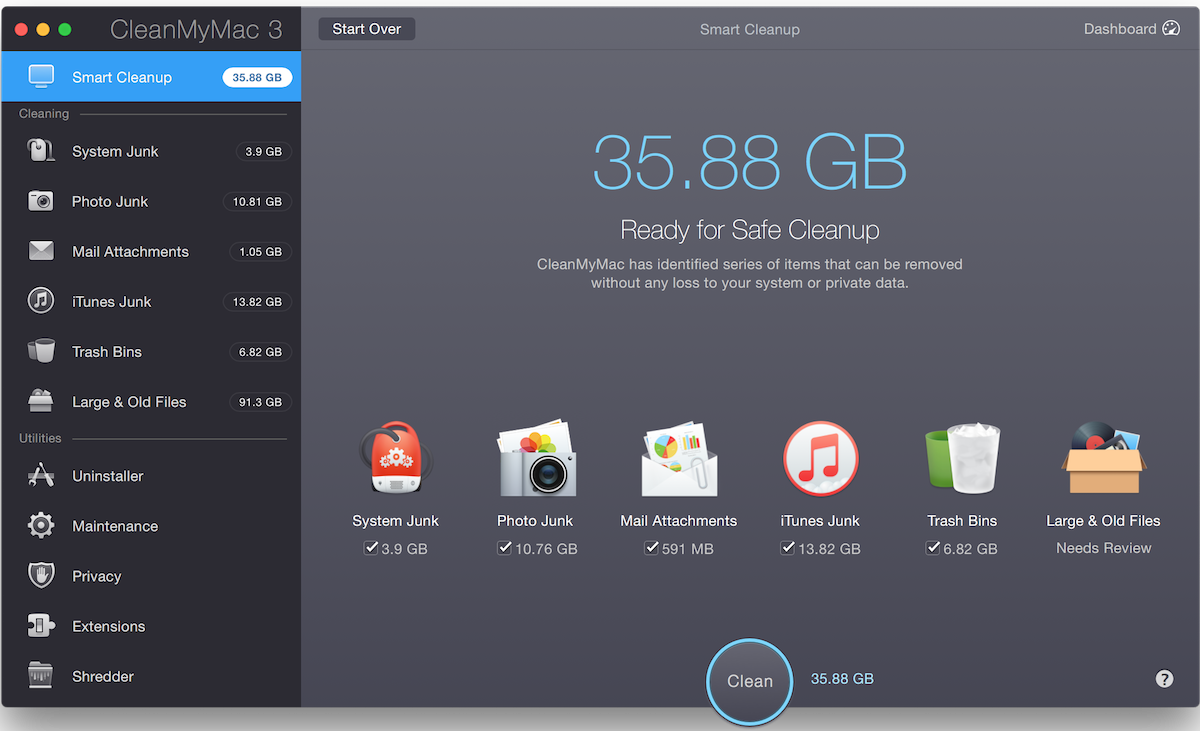
CleanMyMac makes space for the things you love. Sporting a range of ingenious new features, CleanMyMac lets you safely and intelligently scan and clean your entire system, delete large, unused files, reduce the size of your iPhoto library, uninstall unneeded apps or fix the ones that started to work improperly, manage all your extensions from one place and do much more – all from one newly designed and beautifully simple interface.

WHAT’S NEW

Version 3.8.6:
Improved
  • Compatibility with 1Password and LaunchBar applications
Fixed
  • SIP (System Integrity Protection) locations were not ignored by macOS Localizations cleanup
  • Dropbox cache got cleaned even if in the Ignore list
  • Free space did not get updated in CleanMyMac 3 menu
  • Cleaned size did not get recalculated on cleanup completion screens
  • Application uninstallation or reset did not work when using Smart Selector
  • Application size changed to zero within Uninstaller if selected via context menu
  • A stopped state would appear momentarily before showing scan results in Smart Cleanup
  • All known crashes and exceptions

REQUIREMENTS

OS X 10.9 or later, 64-bit processor

Screenshots



Download Here :
BetterZip 3.2 – Archiving tool.

BetterZip 3.2 – Archiving tool.

BetterZip 3.2  
BetterZip lets you quickly inspect archives without first extracting their contents.
  • Extract Only Files You Really Need: If you only need a few files or folders from a larger archive, you don’t have to extract the whole thing. Simply drag the files you need from the BetterZip window to any Finder window or the desktop.
  • Open Archives Without Extracting: Not only can BetterZip open archives without first extracting them but you can also search for a file using the iTunes-like interface. BetterZip can open and extract archives with the most common formats: ZIP, SIT, TAR, XAR, XZ, GZip, BZip2, RAR, 7-Zip, CPIO, ARJ, LZH/LHA, JAR, WAR, CAB, ISO, CHM, RPM, DEB, NSIS, BIN, HQX, DMG, EPUB, and Winmail.dat.
  • Create Archives: Simply drag files and folders from your hard drives, disks, or network places into your new zip file. You no longer have to copy all the files into a temporary folder first. The supported formats are ZIP, TAR, GZip and BZip2 compressed TAR, XAR, 7-ZIP, and RAR (using the external RAR commandline tool). Large archives can also be split.
  • Protect Your Data: BetterZip can protect your data with a password and create AES-256 encrypted archives. 7-zip and rar archives can also be protected.
  • Update Archives: Add new or updated files to existing archives. Remove any file or folder from an archive, or even move files around inside the archive as if it were a normal folder.
  • Make Archives Compatible: Strip Mac-specific files and resource forks from archives for best compatibility with systems like Windows or Linux.

WHAT’S NEW

Version 3.2:
New Features
  • Added a hidden setting to make a folder expand when double clicked in the archive window instead of extracting and viewing it
  • Added a hidden setting to show the real password length in the preset configuration (instead of always five bullets)
  • Added support for Android APK files
Enhancements
  • BetterZip now respects the System Preferences’ setting Sound > "Play user interface sound effects"
  • Enhanced the QL preview for the weirdly-zoomed Spotlight window
  • Added .mscz as supported file extension to the QL generator
  • Changed the default for concurrent operations to 4 instead of auto, because the system would max out all processors
  • Clarified the help page for the preset configuration
Bug Fixes
  • Switching to flat-list view mode didn’t work correctly on macOS 10.12 Sierra
  • Fixed the weird focus behavior when editing text fields in the preset configuration on macOS 10.12 Sierra
  • Changing hidden settings in the German help system didn’t work correctly on macOS 10.12 Sierra
  • When creating multi-part RAR archives through the BetterZip service, other multi-part RAR archives in the same folder were moved to the trash
  • After deleting all presets, the preset configuration didn’t work correctly under certain conditions
  • AppleScript: destination:original wasn’t handled correctly
  • The options in the save panel weren’t always set correctly with the preset values, if the preset used "Show save panel"
  • Duplicating a preset sometimes didn’t copy the password to the new preset
  • The sheet with the progress bar could get stuck when the archive window was minimized during a lengthy operation

REQUIREMENTS

OS X 10.9 or later, 64-bit processor

Screenshots


Download Here :

App for IMDB 1.5 – App for Internet Movie Database.

App for IMDB 1.5 – App for Internet Movie Database.

App for IMDB 
App for Internet Movie Database that gives you fast and instant access to IMDB directly from your toolbar. Discover new and old movies or series faster than ever with IMDBs mobile web application on your computer. Easy switch to “desktop mode” for the full experience.
Just click the App for IMDB icon in your toolbar to open it and start browsing, its that simple. You can either run the app with a dock icon or without.
App for IMDB also includes the desktop mode for the full IMDB experience, click the expand button to switch mode.
This app is still in a early version, many new features will be added along the way.
Legal Note: App for IMDB is a 3rd party app and is not 
affiliated with IMDB what so ever. IMDB and its logo is trademarks 
of IMDB.com Inc.

WHAT’S NEW

Version 1.5:
  • New Icon
  • Stability fixes

REQUIREMENTS

OS X 10.7 or later, 64-bit processor

Screenshots



Download Here :

 Camtasia 3.0.4 – Powerful screen recording and production tool.

Camtasia 3.0.4 – Powerful screen recording and production tool.

Camtasia 3.0.4  
Camtasia for remarkable screencasts made easy. Create eye-catching training, presentation, and demo videos…the easy way. Camtasia screen-recording software is streamlined, intuitive, and makes you look like a pro.
Easily record onscreen activity, Keynote slides, camera video, microphone, or system audio – all with sparkling clarity. Record in front of a live audience or at your desk. Edit to perfection. Turn it into a stunning, HD-quality video at the perfect size to share on popular video sites, Apple devices, your website, blog, or anywhere you like. Make them wonder how you did it.

WHAT’S NEW

Version 3.0.4:
  • Made improvements to the TechSmith Smart Player
  • Fixed a bug where videos could export with black frames
  • Fixed a bug where right-to-left character sets disappear when behaviors are applied
  • Other bug fixes and improvements

REQUIREMENTS

OS X 10.9 or later, 64-bit processor

Screenshots


Download Here :